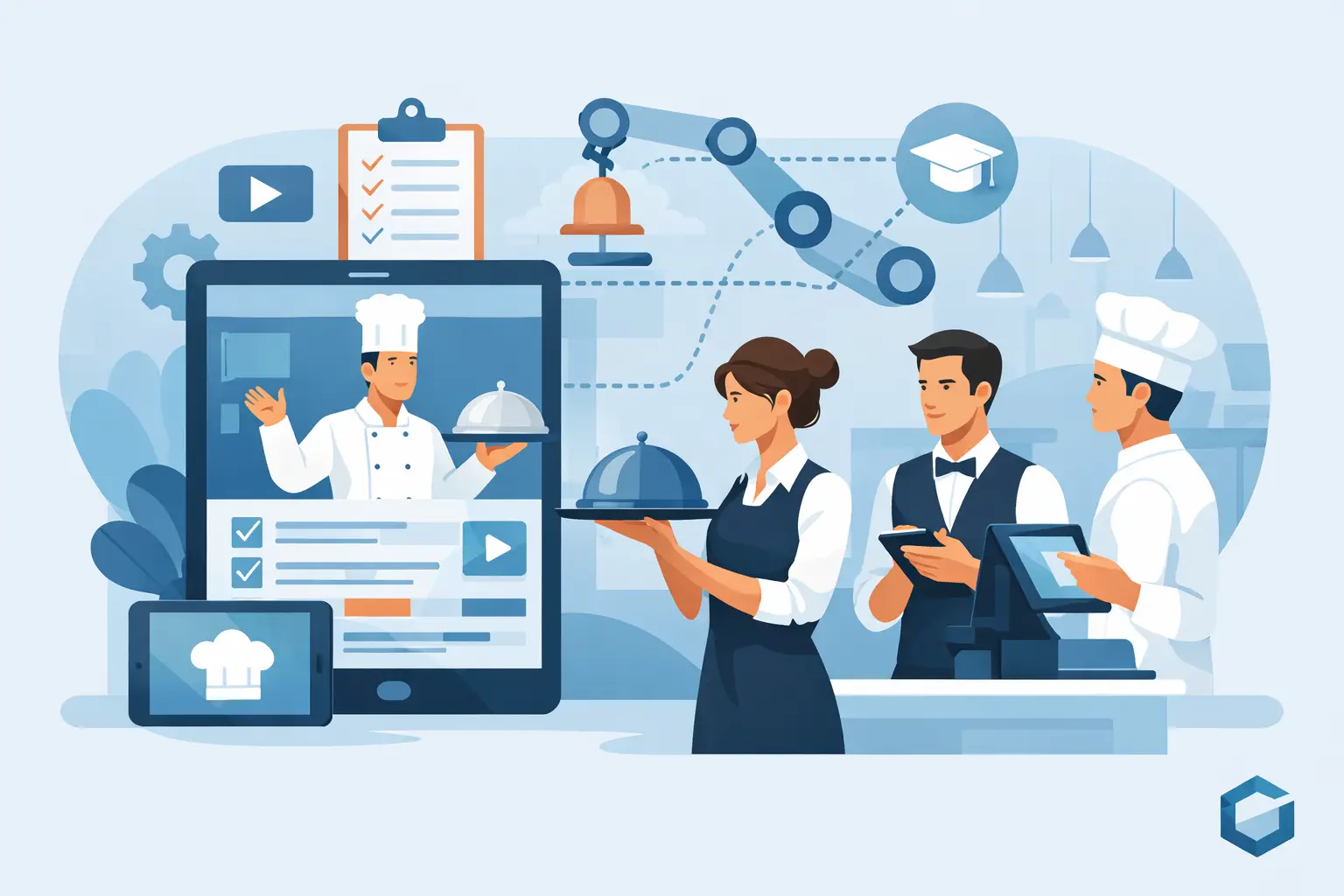
Start restaurant staff training automation with repeatable administration: assign the right material, remind the right people and make unfinished learning visible. Keep the approved operating standard, practical coaching and decisions about readiness under accountable human control.
For hotel and restaurant F&B leaders, this gives a useful order of work. Automate a narrow process that is already clear, check whether it helps during real shifts, and then expand. Uploading every document into an app before deciding who owns it often creates a faster way to distribute confusion.
What restaurant staff training automation should actually automate
The phrase gets overused, so it helps to be precise. Automation should not remove human coaching from hospitality. It should remove the repetition, inconsistency, and blind spots that weaken coaching.
In practice, that means automating the distribution of onboarding content, role-based learning paths, menu knowledge reinforcement, policy updates, task reminders, pre-shift briefs, and checks for comprehension. It should also surface unverified learning by outlet, role and shift so leaders can direct support.
A strong system does more than push content. It connects training to live operation. If a banquet captain, room service attendant, and fine dining server all need different service cues, automation should reflect that reality. If a menu changes at 3 p.m., the front-of-house team should not be relying on a printed sheet taped in the service alley.
The useful distinction is between distributing material and verifying its application. The platform should show what was assigned, what changed and what still needs observation or a manager decision.
What to automate first
Choose work that is frequent, clearly defined and difficult to track manually. Assignment and reminders are reasonable starting points. An unresolved safety question or a judgement about independent service is a different kind of decision.
| Process | Useful automation | Human responsibility | | --- | --- | --- | | New-starter assignment | Route approved content by role and outlet | Confirm the role path and supervised duties | | Menu update | Notify affected teams of the approved revision | Validate recipe information and explain the change | | Short reinforcement | Schedule relevant scenario questions | Review responses and coach uncertainty | | Observation follow-up | Remind the trainer of a due check | Observe the task and record honest evidence | | Training status | Show incomplete and unverified requirements | Decide restrictions and readiness | | Recurring questions | Group similar unresolved topics | Investigate the source and approve the answer |
For example, a new server's path might begin with the outlet's service sequence, current menu reference and escalation contacts. The system assigns those items, then schedules a trainer observation. The trainer verifies an order handoff and records what the colleague did. A manager reviews any gaps before authorising independent duties. Automation helps the process move; a completed module does not make the final decision.
Do not automate an unclear process simply because it consumes time. If three supervisors teach different modifier procedures, agree the approved method first. Otherwise, automated assignment distributes one version while the floor continues to teach another.
Connect menu changes with service reinforcement
A menu change needs a controlled chain: validate the source, approve the record, identify the affected roles, communicate the change and check its application. The system can route and track these steps, but culinary and operations owners remain responsible for the information.
Keep each update focused. Give staff the verified description, the current ingredient reference, permitted modifications and the appropriate escalation route. For product recommendations, use accurate prices and facts, and explain when the suggestion fits a guest's request. Do not teach an unsupported sales story to make the item easier to promote.
Use pre-shift meetings to practise the detail most likely to affect that service. A server explaining the new dish in their own words can reveal a gap that a read receipt cannot. If the change affects allergen information, the approved allergy communication workflow must remain the authority.
Maintain a process for late arrivals and cross-trained staff. A notification sent to the dinner team may miss an agency employee assigned later or a room-service colleague who uses the same menu overnight. The assignment rules should reflect actual responsibilities rather than a static department list.
Training apps, manuals and AI support
A controlled manual remains useful for documenting the standard. A training app can add assignment, reminders, assessments and history. AI-supported retrieval may help a colleague locate a relevant passage or approved answer. These functions can complement one another if they use the same maintained sources.
| Format | What it can help with | What still needs control | | --- | --- | --- | | Printed or digital manual | Detailed approved procedure and reference | Version, access, review and practical application | | Training app | Sequencing, reminders, assessment and status | Relevant content, usable questions and observation | | AI-supported retrieval | Finding information in the approved knowledge set | Source, context, uncertainty and decision authority |
A digital manual is not automatically an effective training app, and an AI answer is not automatically an approved operating instruction. Evaluate the actual behaviour. Can the user see which source and version supports the answer? What happens when two outlets have different procedures or the source is missing?
For safety-sensitive questions, the system should expose uncertainty and direct the colleague to the authorised lead. It must not infer suitability from an incomplete ingredient record or generate a confident answer that nobody approved. Keep a reliable reference and escalation route available when the app or network is unavailable.
Reinforce the decision points, then observe the work
Short learning is valuable when it targets a useful decision. Ask how to respond to an unclear modifier, who approves a recovery outside the server's authority, or where the current event instruction is stored. Avoid quizzes that test obscure facts while missing the moment the colleague should pause and ask.
After a question, use practical coaching. The trainer should demonstrate the process, ask the employee to perform it under supervision and provide specific feedback. “Needs more confidence” is less useful than “Entered the request accurately but did not complete the required kitchen acknowledgement”.
For multilingual teams, use plain wording and operationally reviewed translations. Confirm understanding through explanation and demonstration. A low score may reflect unclear language or an ambiguous question, so review the response before assuming the employee lacks the skill.
Give trainers a common observation standard. If one trainer qualifies a colleague after shadowing while another requires a demonstration, the report cannot meaningfully compare readiness. Define the required evidence and the manager who can authorise the next stage.
Roll out one process and maintain it
Begin with one role in one outlet and one problem, such as tracking new-starter observations or communicating approved menu revisions. Clean the source content and remove duplicate versions before importing it. Assign owners for culinary information, service procedures and the overall learning workflow.
Test across different shifts, including the periods when manager cover and connectivity are limited. Check device access, login friction, notification delivery and the ability to resume interrupted learning. Staff should not need to duplicate every result in an app and a separate spreadsheet unless the second record has a defined purpose.
Create a review routine for unanswered questions and overdue observations. When a procedure changes, decide which employees need the revision and whether earlier completion must be revalidated. Archive obsolete material without losing the authorised history.
Limit reporting to decisions managers can act on. A useful view shows the open requirement, responsible trainer, due date and reason for delay. It should distinguish content completion, scenario performance and live verification rather than combining them into one misleading green status.
How to evaluate restaurant staff training automation
Not every platform fits a live hospitality environment. Some tools are built for corporate learning, not pre-service urgency. Others handle checklists well but do little for knowledge retention or manager visibility.
Start with the floor reality. Can the system support multilingual teams? Can it push role-specific content by outlet? Can it reinforce menu changes quickly? Can managers see where knowledge gaps sit before they become guest-facing mistakes? If it cannot answer those questions, it may digitize training without improving operation.
The second test is whether reports support a practical next action. Ask the supplier to show a failed scenario, trainer follow-up, revised source and manager sign-off. Confirm how the platform records the distinction between a lesson completed and a task demonstrated.
The third test is adoption. Hospitality teams will not tolerate a system that feels detached from service pace. The technology has to be fast, clear, and practical. Staff should be able to access what they need without friction, and managers should get visibility without adding administrative burden.
Measure progress without rewarding rushed qualification
Track time to verified role readiness alongside early-shift errors, trainer effort, unresolved questions and observed service. Compare like roles with the same standard. A shorter path is useful only if the employee can perform the required tasks and escalate appropriately.
Review patterns with context. More questions after rollout may mean staff are using a safer route instead of guessing. Better quiz results may mean the questions became familiar. Use observations and employee feedback to establish whether the learning holds during work.
Treat sales changes cautiously: covers, prices, menu mix and assignment all influence the result. Describe the improvement you actually observed rather than inventing a training return. Automation earns its place when it removes a specific delay or gives a manager reliable evidence for a specific decision.
SmartHospitality Operational Intelligence (OI) can connect approved knowledge, onboarding, briefings and manager reporting around this learning process. It supports targeted reinforcement and visible follow-up while people remain responsible for coaching, verification and service-readiness decisions.